
|
Größe: 3505
Kommentar:
|
Größe: 3511
Kommentar:
|
| Gelöschter Text ist auf diese Art markiert. | Hinzugefügter Text ist auf diese Art markiert. |
| Zeile 23: | Zeile 23: |
| ##include_begin | ##include_ch_begin |
| Zeile 83: | Zeile 83: |
| ##include_end | ##include_ch_end |

Inhaltsverzeichnis
Video
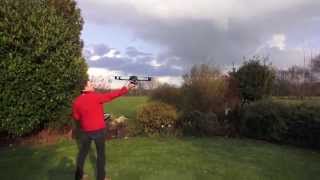
(Load / save positions)
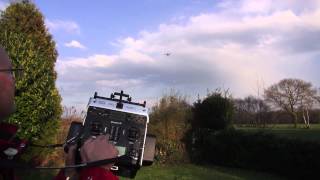
(Save a camera track)
Saving and loading of intersting positions using the transmitter
The current position of the MK can be stored in flight
Saved are:
- Position
- Altitude
- Kompass direction (heading)
Use case: You made a great picture of a tree in summer time. Then you come back in winter and shoot the same picture from exact the same position.
Number of points
- In the free version, you can store 4 points.
Upgrade licenses can be purchased here
- The points are stored to the SD-card. So you make a backup copy by the PC.
HoTT
The menu is in the Text-Telemety:

Press "ESC" long and select "Setting and Data viev".

Go to the last menu with the right button until you reach the first "MikroKopter" Menu.
Then press "Down" (or some lift clicks) to select the SinglePoint menu.

- Choose the index (UP/Down)
- Select with (SET)
Jeti

- select the menu and press Down

- Choose the index (Up/Down)
- Load/Store the Point with "Key right"
- Back with "Left"
Speed between these points
Use case: You want to make a movie and you have to fly between two points again and again.

You can set a fixed speed or select a Poti. -> so you can program a flight with smooth speeds easily by the tranmitter <-
Altitude line between the Single-Points:
The MK calculates the correct altitude between the points.

Here the MK flew to two points and thy were stored via the transmitter. Then the points were called and the MK flew automatically between these points (eight times).